Get the app
The elf planner for busy parents

Never panic at 10pm again.

Elf Night Shift plans your elf's whole season in 2 minutes, from the night your elf arrives to Christmas Eve. Every night you get a picture, quick steps and a note from your elf, ready to copy.

240 ideas, every one with a pictureAnswers for 23 tricky momentsSave your own ideasNo subscription
10:02pmMOVE THE ELF!!
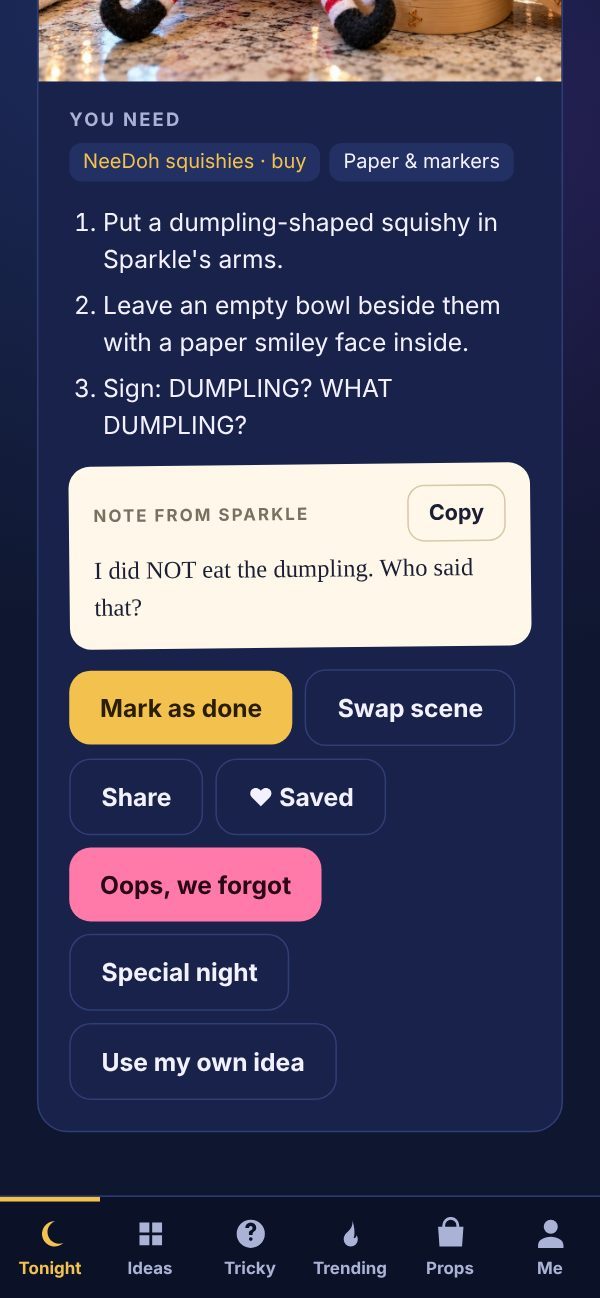
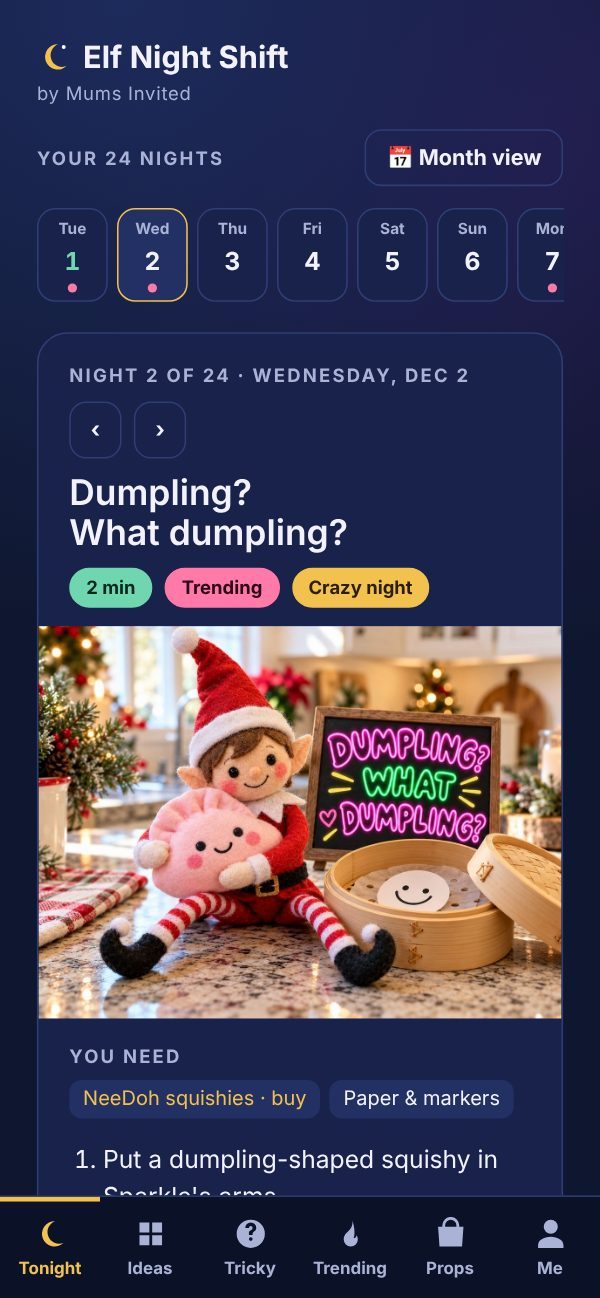
The Tonight screen in the Elf Night Shift app, showing night 2: Dumpling? What dumpling?
NOTE FROM YOUR ELFI did NOT eat the dumpling. Who said that?
Sound familiar?

Elf season is magic. Until about 10pm.

"Did anyone move the elf?"

You're in bed. The lights are off. Then you remember. Now you need an idea, fast, with whatever is in the kitchen.

"We did that one already."

You've used every idea you saved on Pinterest, and it's only December 9. Your kids remember everything.

"Is the elf even real?"

A friend at school said something. A toy elf showed up at the store. You need an answer before breakfast.

Elf Night Shift handles all three. Your whole month is planned before December starts, and the answers to the tricky questions are already in your pocket.

How it works

Two minutes to set up. Two minutes a night.

Answer a few quick questions

Your elf's name, your kids' ages, when your elf arrives, how busy your weeknights are and what you already have at home.

Get your whole plan

Every night from arrival to Christmas Eve, picked for your family. Day after Thanksgiving, December 1 or a late arrival, it works either way. Don't love a night? Swap it with one tap.

Open "Tonight" before bed

See the picture, follow the 2-minute steps, and copy your elf's note. Done. Back to the couch.

What's inside the app

Everything for elf season, in one place.

A night in the app with the steps, the elf's note and buttons to swap, share or save

Every night, done for you

  • A picture of the finished scene, so you know exactly what it should look like
  • What you'll need, based on what you already have at home
  • A note from your elf, ready to copy
  • Don't love it? Swap it with one tap. Forgot? The "Oops" button has 60-second rescues
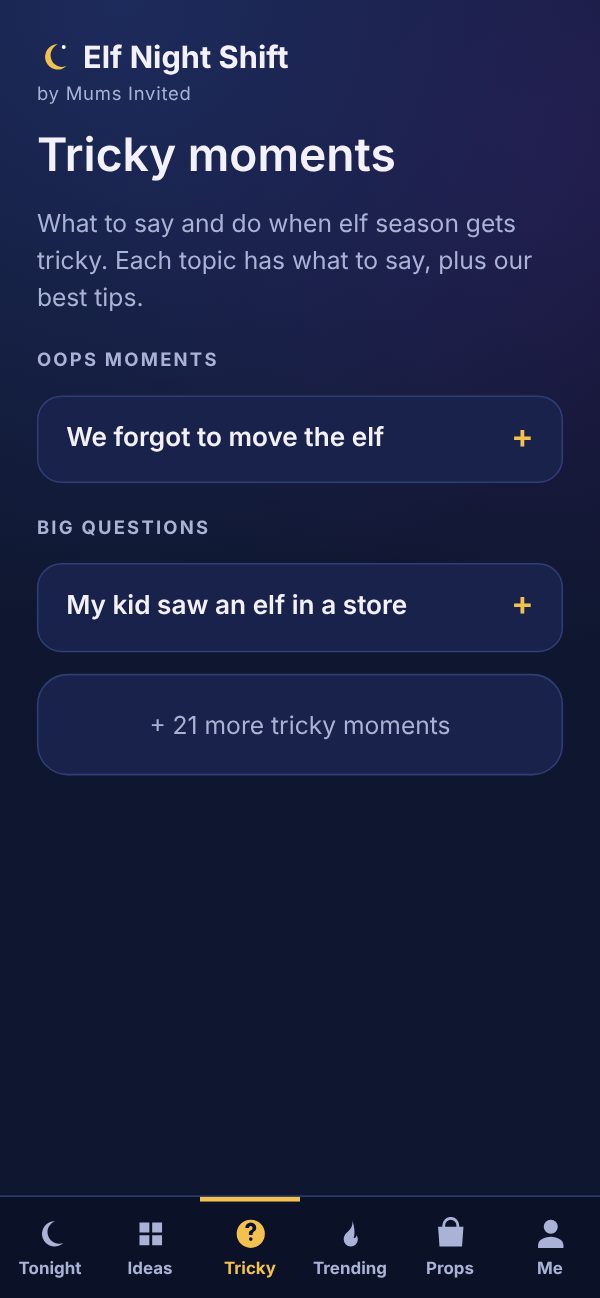
The Tricky moments screen
Only in Elf Night Shift

Answers for the tricky moments

  • "We forgot to move the elf." "My kid saw an elf in a store." Plus 21 more
  • Word-for-word what to say, for little kids and big kids
  • Quick fixes and tips, written by the Mums Invited team
  • Gentle help for hard seasons, two homes and the very last elf year
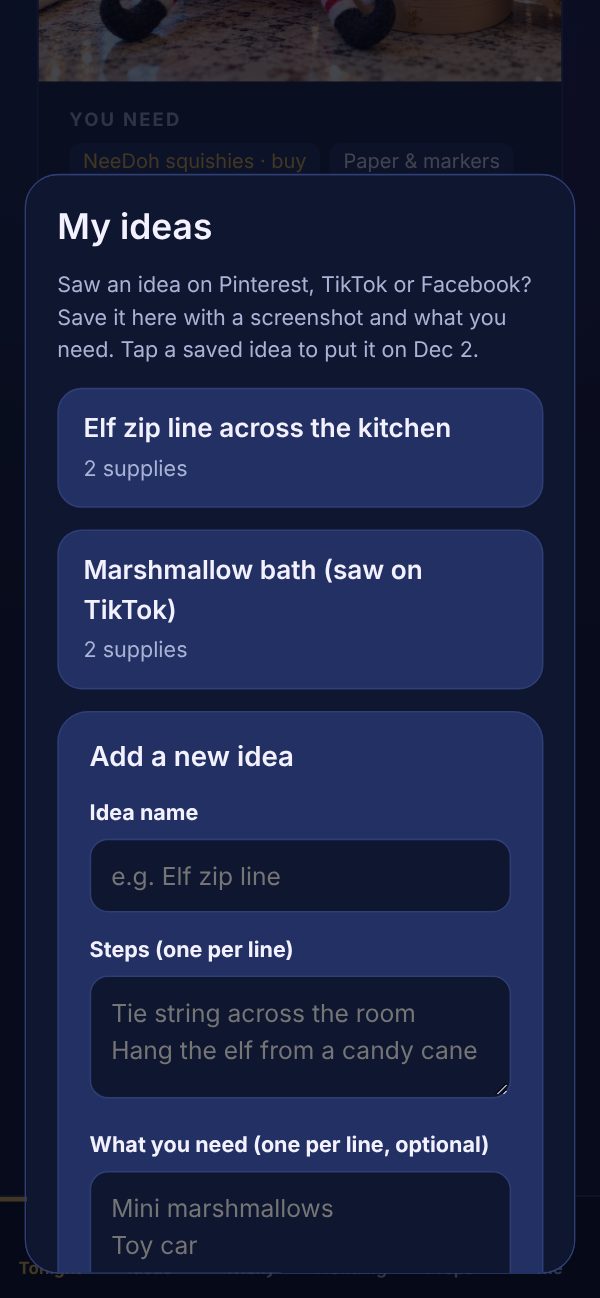
The My ideas screen where you save your own elf ideas

Save the ideas you find online

  • Saw an idea on Pinterest, TikTok or Facebook? Save it with a screenshot
  • Add the steps and what you need. It goes straight on your shopping list
  • Drop it into any night, or save it for later
  • No more scrolling through your camera roll at 10pm
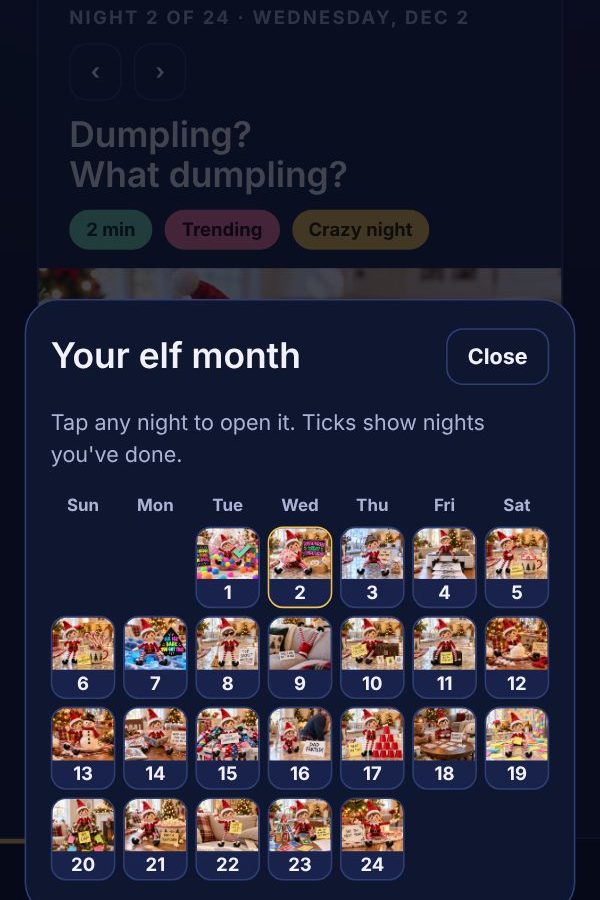
The month view with a small picture on every night

Your whole month at a glance

  • Every night's idea on one calendar, with a tick on the nights you've done
  • Starts the night your elf arrives: the day after Thanksgiving, December 1 or later
  • Browse all 240 ideas. Filter for 2-minute, no-mess, pet-safe or big-kid ideas
  • Save your favorites with a heart
Bedtime reminders and the grown-ups lock in the app

Reminders, a lock and a backup

  • Bedtime reminders in your phone's calendar. They just say "🌙 Night shift", so the kids won't guess
  • Grown-ups lock: a 4-digit code keeps your plan secret from little eyes
  • Share tonight's idea with your partner or Grandma by WhatsApp or text
  • Backup your plan and open it on another phone
The NeeDoh and squishy elf ideas
Updated for this year

This year's trends and big-kid fun

  • The NeeDoh and squishy elf ideas kids are asking for this year
  • Riddles, scavenger hunts, code crackers and secret missions for ages 6–12
  • Two-night story scenes, like a candy cane garden that grows overnight
  • Special nights for birthdays, lost teeth and travel days
"Can it do that?"

Yes, it can.

The questions moms ask us most, answered.

Can I add ideas I saw on Pinterest or TikTok?Yes. Save them with a screenshot and put them on any night.
Can it make my shopping list?Yes. It lists what you need for each night, and skips what you already have.
Can I plan which idea goes on which day?Yes. Tap any night, or use the month view, and choose the idea.
Our elf doesn't come on December 1. Does it work?Yes. Pick the day after Thanksgiving, December 1 or any date.
Can it remind me to move the elf?Yes. Bedtime reminders go straight into your phone's calendar.
Can I hide the plan from my kids?Yes. Turn on the grown-ups lock with a 4-digit code.
We have two elves. Does it work?Yes. Name up to 3 elves and get more team scenes.
We have a dog. Any pet-safe ideas?Yes. Tick "We have pets" and food scenes are left out.
Can my partner see the plan too?Yes. Share any night, or send them your backup file.
I'm not creative. Will it give me ideas?Yes. 240 of them, every one with a picture, already planned for you.
The scene library

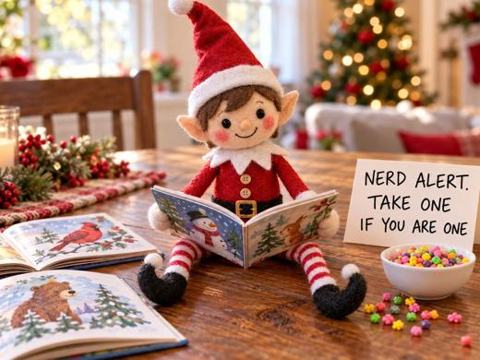
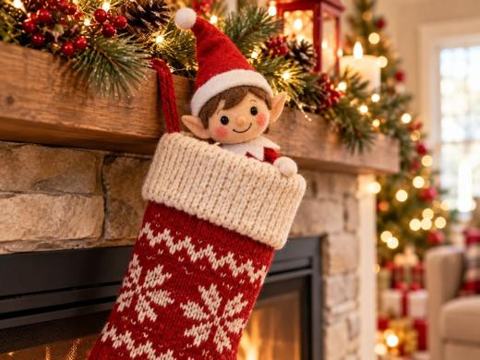
240 ideas. Every one has a picture.

No more guessing from a sentence on a blog. You see the finished scene before you start.

Gas money
Nerd alert
All I NeeDoh
Hide & seek
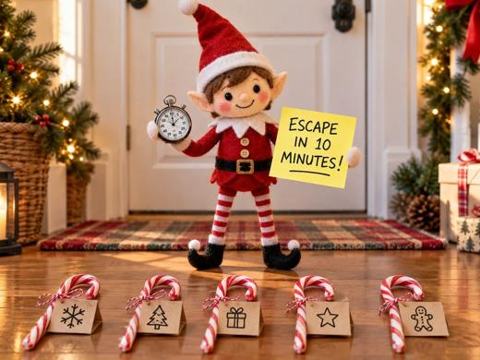
The elf escape
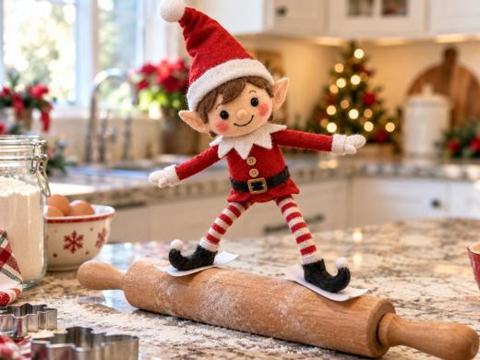
Rolling pin skis
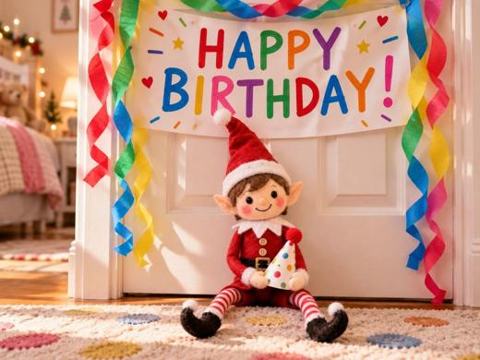
Birthday surprise
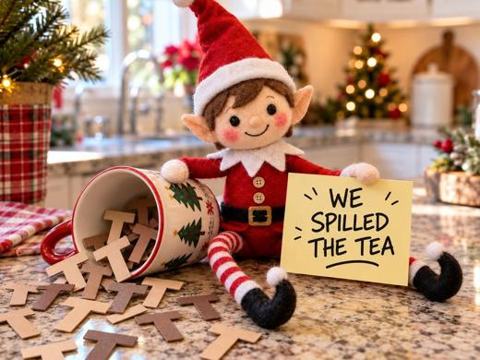
We spilled the tea
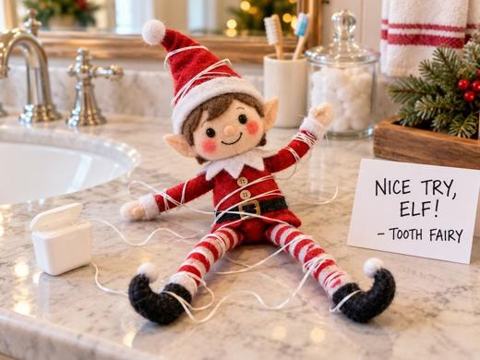
Tooth fairy trouble
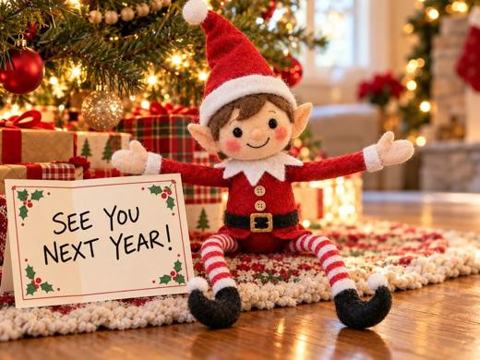
Goodbye hug
ArrivalEasyFunnyLittle kidsBig kidsNaughty & messyTwo elvesGrinch visitsGoodbyeNeeDohChallenges
Included free with the app

Plus 2 printable bonuses.

63 ready-to-print pages that come free with the app.

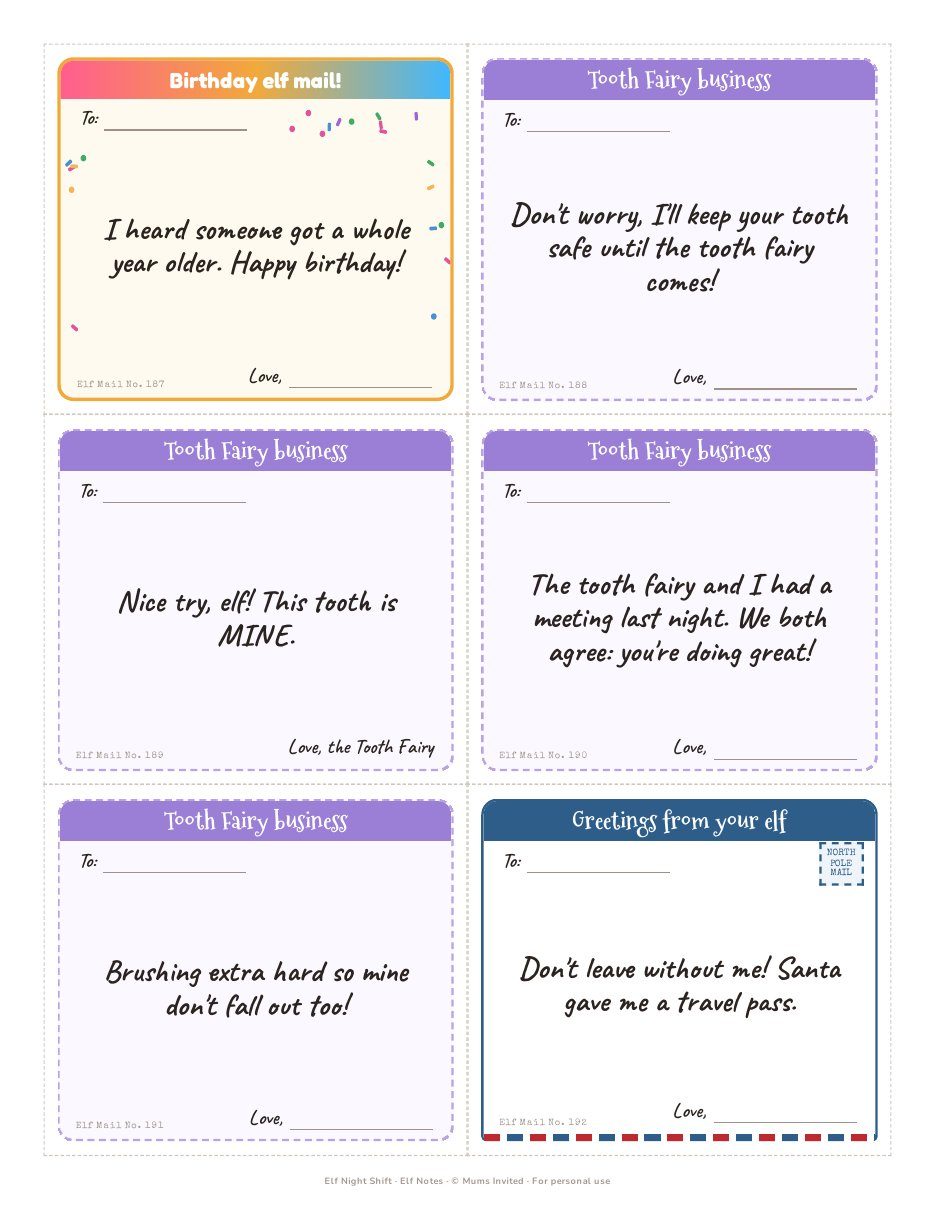
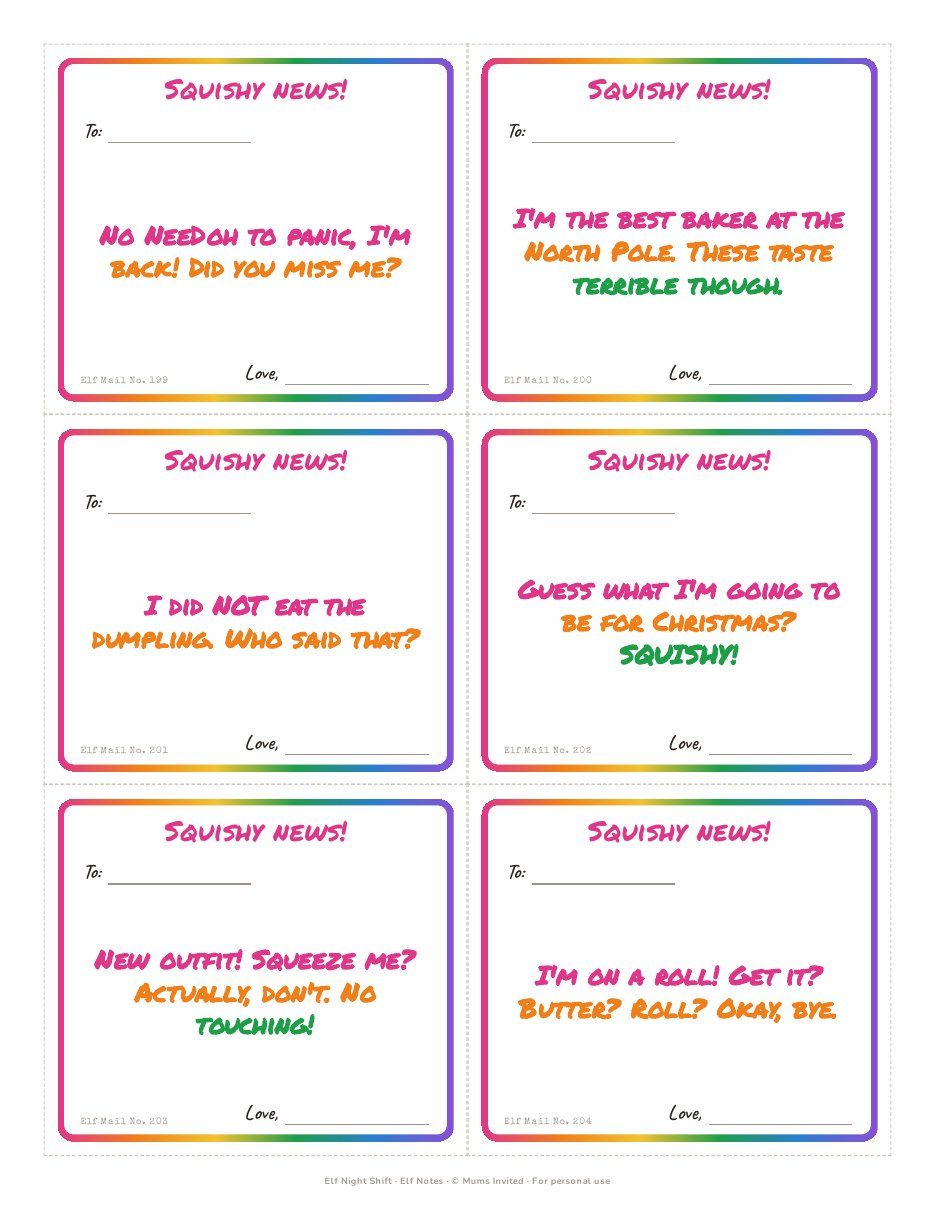
45 pages · 233 notes

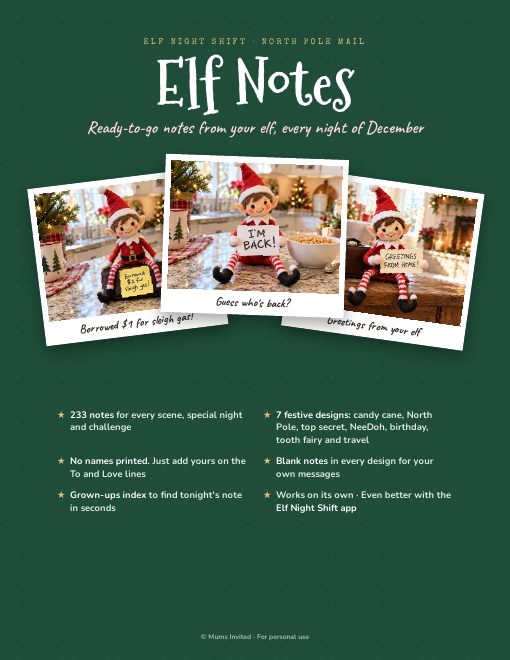
Elf Notes

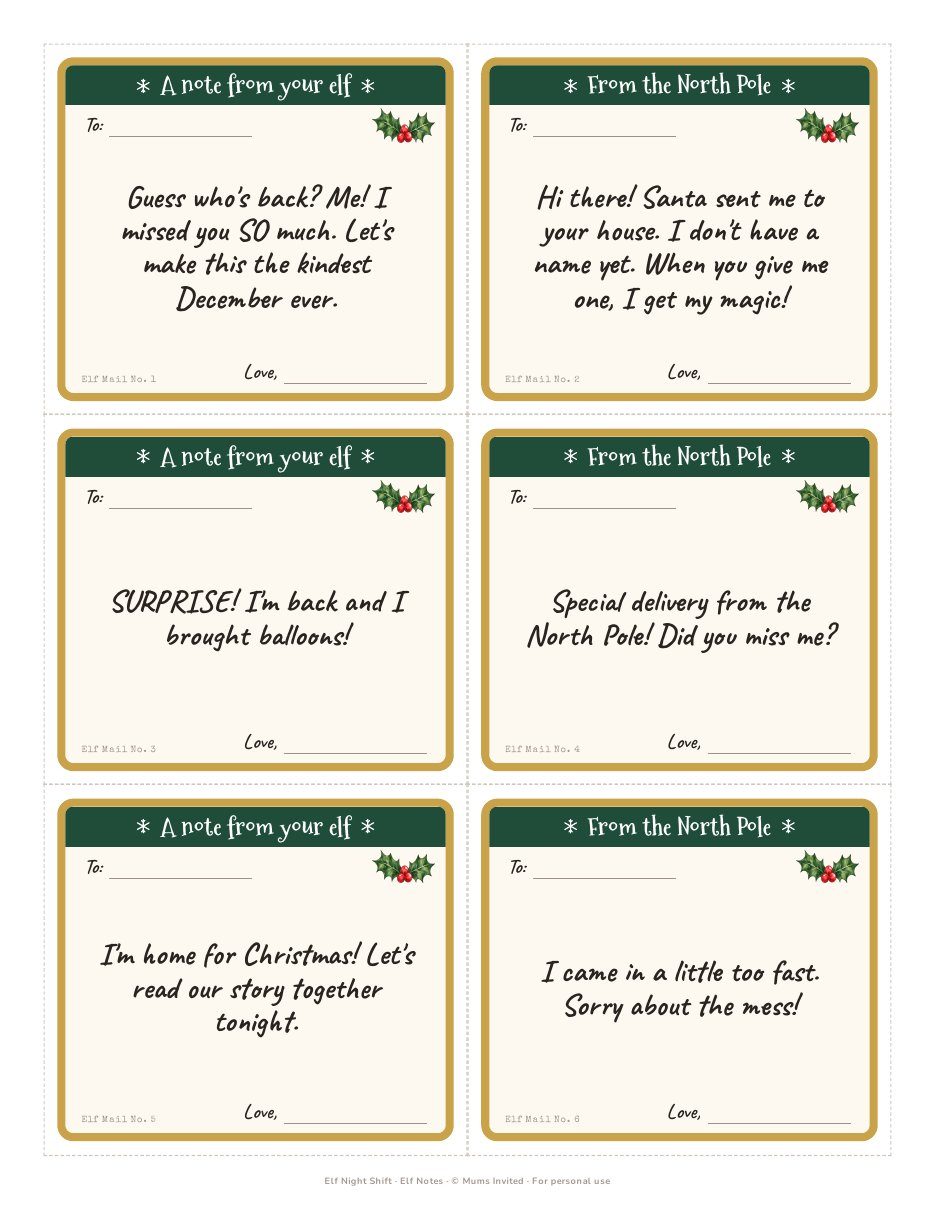
A ready-to-go note from your elf for every scene, in 7 festive designs, plus blank notes for your own messages. Just print, cut and leave one out.

Cover of the Elf Notes pack A page of classic elf notes in red, green and gold A page of birthday, tooth fairy and travel elf notes A page of bright squishy-themed elf notes
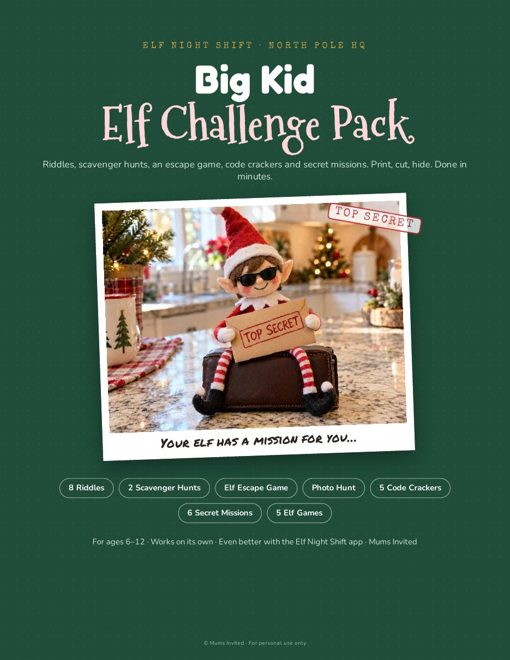
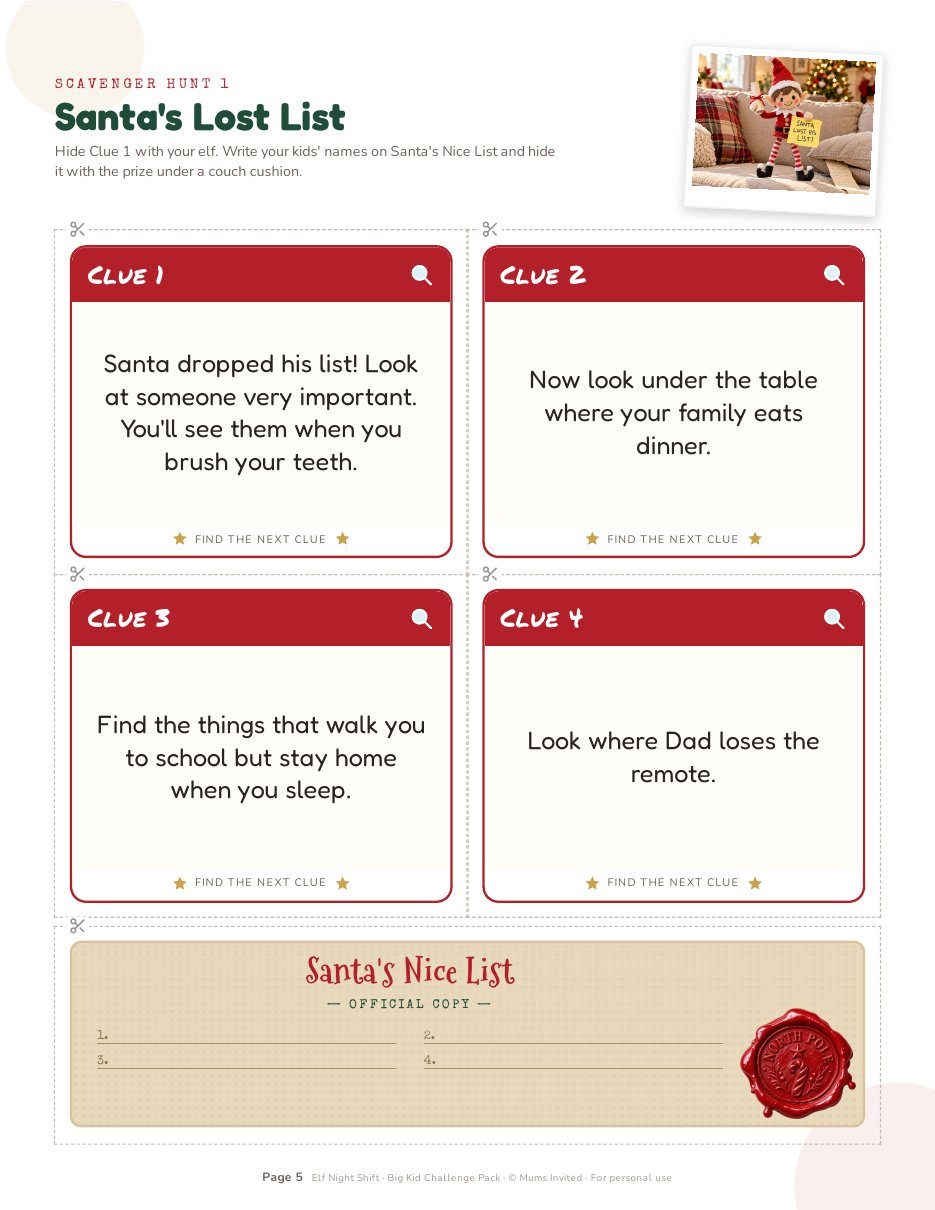
18 pages · ages 6–12

Big Kid Challenge Pack

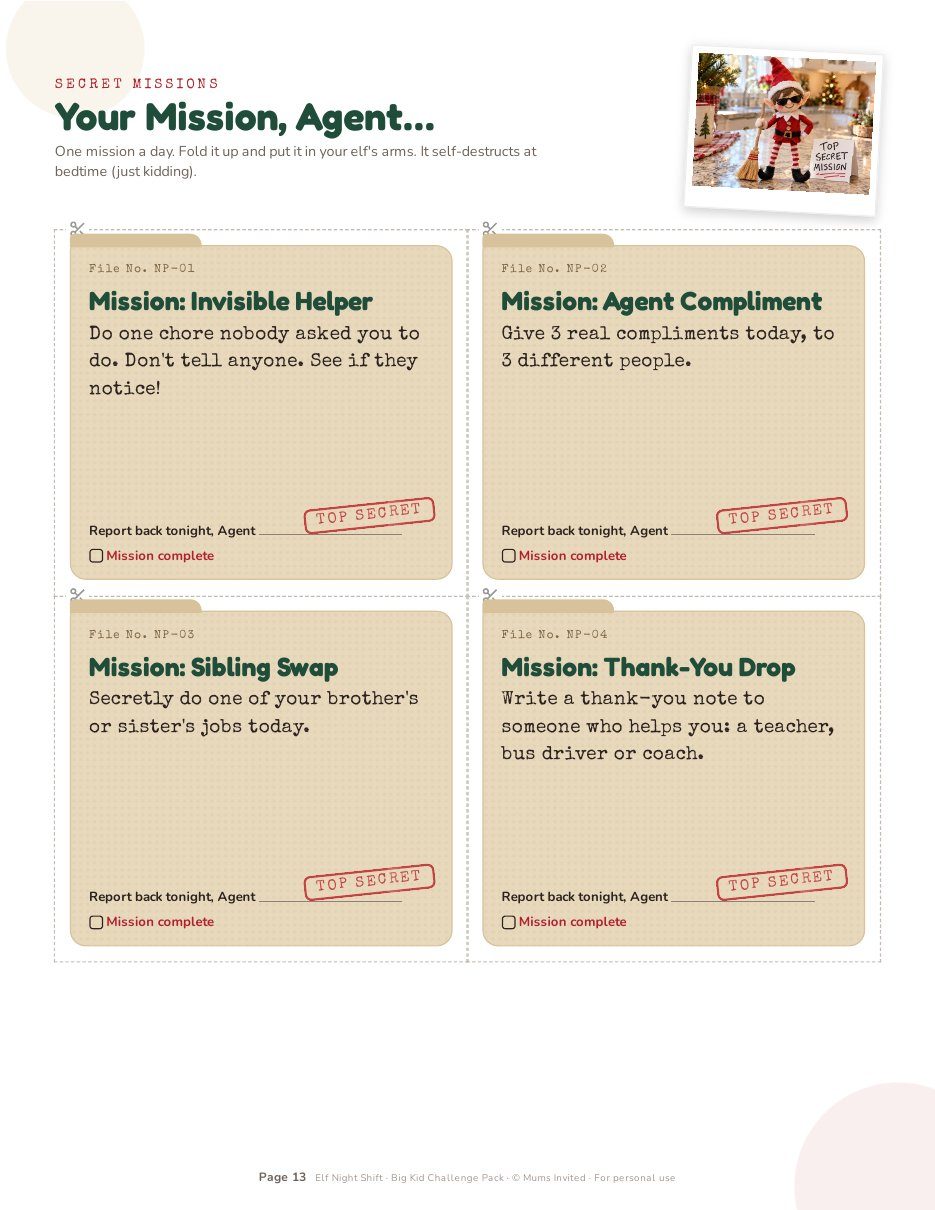
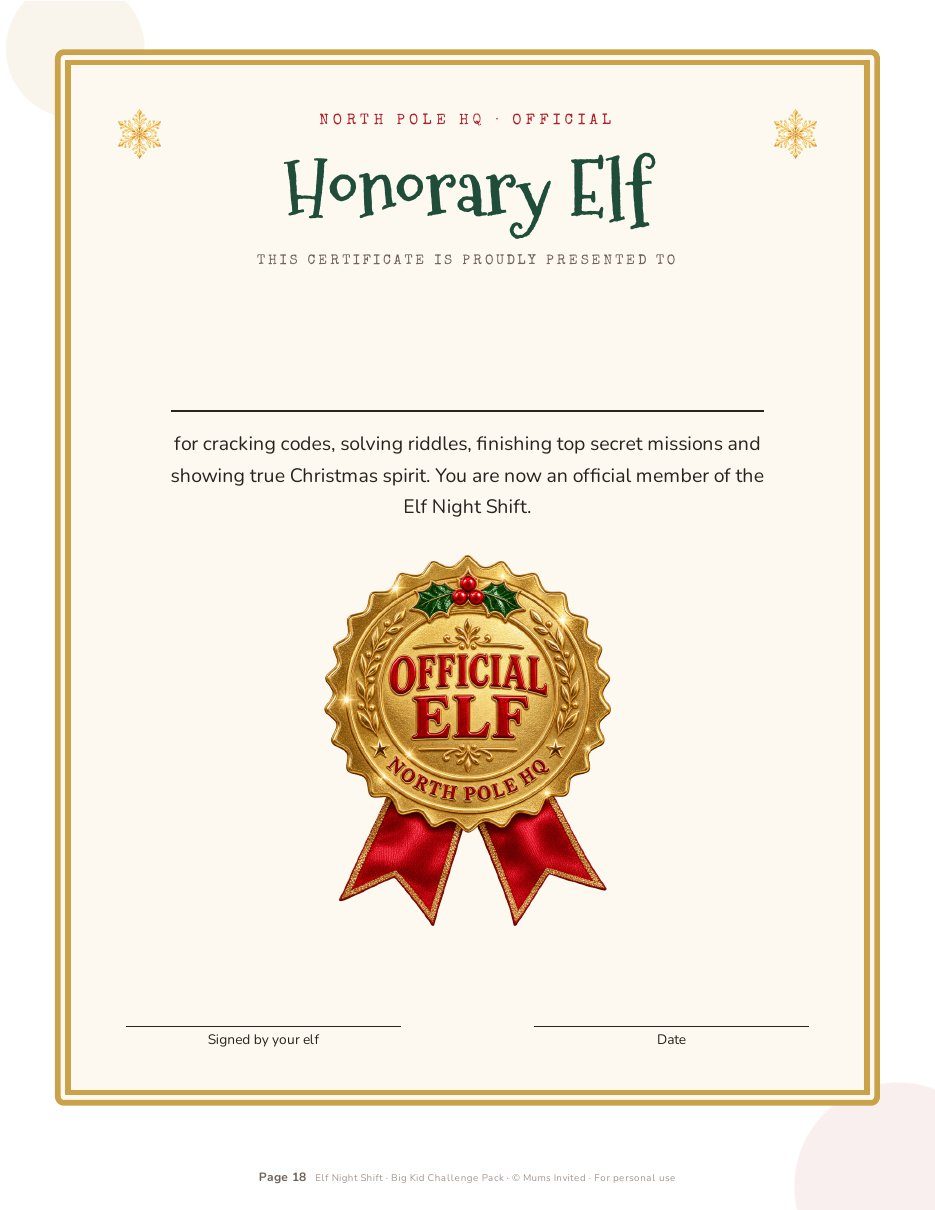
Riddle cards, scavenger hunts, an elf escape game, code crackers and top secret missions for big kids who love a challenge.

Cover of the Big Kid Elf Challenge Pack Santa's Lost List scavenger hunt clue cards Top secret mission files for big kids The Honorary Elf certificate with a gold seal
Made for real families

Whatever your elf year looks like.

First elf year

Arrival ideas, a naming page and the house rules every new elf family asks about.

Toddlers to tweens

Sweet, simple scenes for little ones and funny, clever ones for big kids who are starting to wonder.

Tired by December 10

Pick a 2-minute pace, or start later than December 1. Hide & seek nights give you a break without anyone noticing.

Two elves (or more)

Name up to 3 elves and get more scenes made for elf teams.

Busy weeks and trips

Travel days, a stay-home elf and an elf passport for Grandma's house.

A harder year

Gentle, quiet scenes and kind words for families going through a loss.

Get Elf Night Shift

Your elf's whole December, sorted tonight.

Set it up in 2 minutes, then spend the rest of December enjoying the magic instead of planning it.

Not sure yet? Try the free demo

$21.65 40% off launch price
$12.99one-time
  • The Elf Night Shift app
  • 240 ideas with pictures and quick setups
  • Your plan from arrival night to Christmas Eve
  • Bedtime reminders and a grown-ups lock
  • Tricky moments answers and rescue ideas
  • Bonus: Elf Notes (45 pages)
  • Bonus: Big Kid Challenge Pack (18 pages)
Get Elf Night Shift

Instant access. Works on iPhone, Android, tablets and computers.

Questions

Good to know.

Do I need to download an app?

No. Elf Night Shift opens in your phone's web browser, so there's nothing to install from an app store. You can add it to your home screen, and it opens just like an app.

Does it work on iPhone and Android?

Yes. It works on any phone, tablet or computer with a web browser.

Do I need to make an account?

No sign-up and no password. Your plan saves on the phone you set it up on.

Can my partner use it too?

Yes. Save a backup file of your plan and send it to your partner. They open it on their phone and have the exact same plan. You can also share any night's idea by WhatsApp or text in one tap.

Can I try it first?

Yes! Try the free demo with a sample family and see how a night works before you buy.

Is it a subscription?

No. You pay once. No account, no monthly fee.

Our elf doesn't arrive on December 1. Does it still work?

Yes. Pick the day after Thanksgiving, December 1 or any date in December, and your plan runs from that night to Christmas Eve. Late elves can even start with a "Sorry I'm late!" scene.

What if we forget a night?

Tap "Oops, we forgot" for a 60-second rescue scene and a simple line to tell the kids.

How do I get the printable bonuses?

They come as PDF downloads with your purchase. Print the pages you need, whenever you need them.